
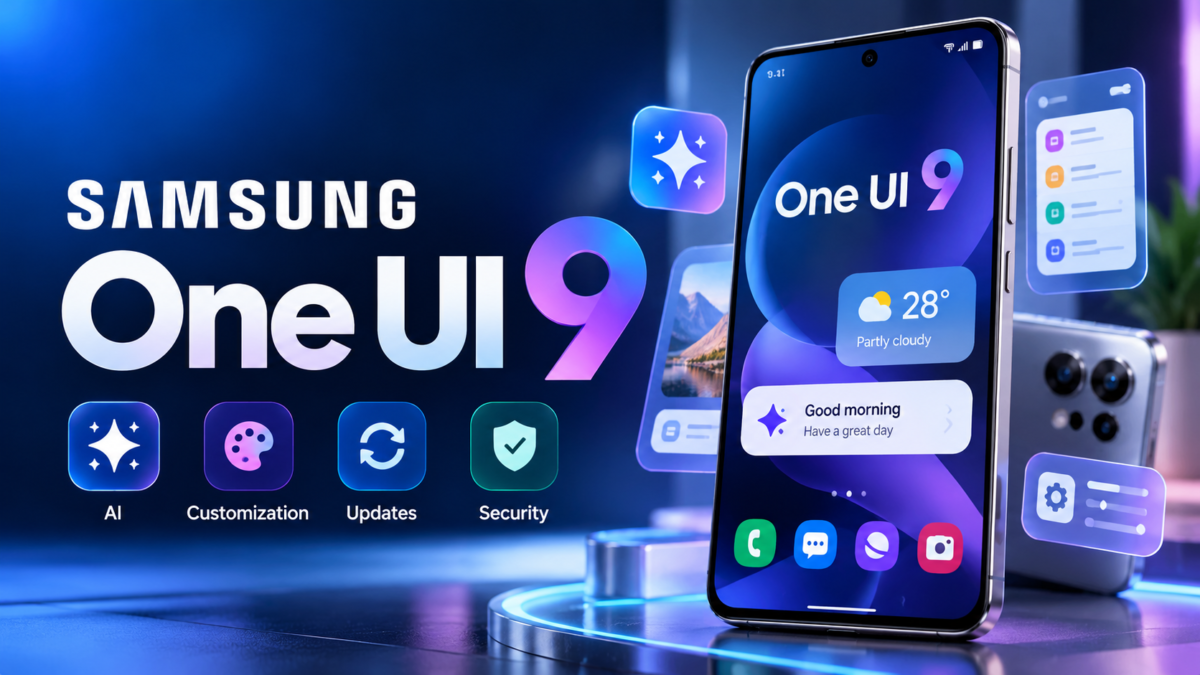
Samsung One UI 9 is the latest major version of Samsung’s smartphone software, bringing improvements to Galaxy AI, personalization, accessibility, security and everyday usability. Built on Android 17, Samsung One UI 9 aims to make compatible Galaxy phones and tablets more helpful, intuitive and secure.
Samsung has officially announced the rollout of One UI 9, initially introducing the software on its latest Galaxy Z series before expanding availability to the Galaxy S26 series and other supported devices. However, the availability of individual features and the update itself can vary by model, country and carrier.
In this guide, we explain the most important One UI 9 changes, supported-device information, installation steps and what Galaxy users should know before updating.
What Is Samsung One UI 9?
One UI 9 is Samsung’s customized Android interface for compatible Galaxy devices. It builds on Android 17 while adding Samsung’s own interface design, Galaxy AI features, accessibility options, privacy tools and system applications.
Unlike a standalone application, One UI is deeply integrated into the phone’s operating system. It influences the Settings menu, notifications, Quick Panel, Samsung Notes, camera-related experiences and other everyday functions.
The main goal of One UI 9 is to reduce the effort required to complete common tasks while giving users greater control over their devices.
What’s New in Samsung One UI 9?
One UI 9 introduces several improvements across productivity, photography, personalization and device protection.
1. Enhanced Galaxy AI
Samsung has expanded AI-powered assistance with features such as Now Nudge, which can suggest relevant actions based on supported contexts. For example, when making plans through a compatible messaging app, a user may receive suggestions to access reservation details or save a shared location.
2. My FanCam
My FanCam can automatically track a selected person in a recorded video and reframe the footage to keep that person centered. This can be useful when recording performances, family occasions or sporting events.
3. More Personalized Now Brief
Now Brief introduces generative and editable cards that let users customize aspects of their daily summaries. Depending on device and regional availability, cards can cover information such as health, weather and video.
4. Improved Document Scanning
The updated Document Scan experience is designed to handle challenging pages, including curved book pages and papers with folded corners, with less manual adjustment.
5. Better Privacy and Security Information
Security Brief and Privacy Alerts help users understand potential security or privacy concerns. These tools can highlight issues such as suspicious applications, unnecessary permissions or potential privacy risks.
Feature availability is not identical across every Galaxy device.
Samsung One UI 9 Release and Rollout
Samsung began the public rollout expansion in September 2026, following the software’s debut on Galaxy Z Fold8 Ultra, Galaxy Z Fold8 and Galaxy Z Flip8. The Galaxy S26, S26+ and S26 Ultra were among the next devices included in the rollout.
Samsung is expanding availability progressively, so the announcement of a rollout does not mean that every compatible phone receives the update on the same day.
For current announcements, check the official Samsung Newsroom and your device’s Software Update settings.
Which Samsung Phones Will Get One UI 9?
Eligibility depends on the device model, its software-support commitment, regional firmware and Samsung’s rollout schedule. Do not assume that every Galaxy phone running One UI 8 will automatically receive One UI 9.
To check your device, open Settings, select Software update and tap Download and install. You can also consult Samsung’s official announcements for confirmed availability.
Read our detailed guide to Samsung One UI 9 eligible devices and rollout.
How to Download Samsung One UI 9
Before installing a major software update, connect your phone to a reliable Wi-Fi network, charge the battery and back up important data.
- Open Settings on your Galaxy device.
- Select Software update.
- Tap Download and install.
- If an update is available, follow the on-screen instructions.
- Restart the phone if prompted and allow the installation to finish.
If the update is not available, it may not have reached your device or region yet.
Follow our step-by-step One UI 9 download and installation guide.
Is Samsung One UI 9 Worth Installing?
For eligible devices, One UI 9 offers improvements in AI assistance, content creation, privacy awareness and everyday usability. Whether the update makes a major difference depends on which features are supported by your particular phone.
As with any major operating-system update, it is sensible to review the available release notes, back up your data and install the update when it is offered for your device.
Frequently Asked Questions
Is One UI 9 based on Android 17?
Yes. Samsung has described One UI 9 as being built on Android 17.
Is One UI 9 available for every Samsung phone?
No. Availability depends on the model, region, carrier and rollout schedule.
How can I check for One UI 9?
Go to Settings > Software update > Download and install.
Does every device get every One UI 9 feature?
No. Some Galaxy AI, camera, privacy and productivity features require specific hardware, software versions, accounts or regional support.
Final Verdict
Samsung One UI 9 focuses on making Galaxy devices more intelligent, customizable and secure. Its enhanced AI assistance, improved scanning, personalized summaries and privacy features are among its most notable additions.
For the latest information, read our articles on One UI 9 features, eligible devices and installation instructions.
Editorial note: Software availability and feature support can change. Verify device-specific details against official Samsung announcements before publishing updates to this guide.