
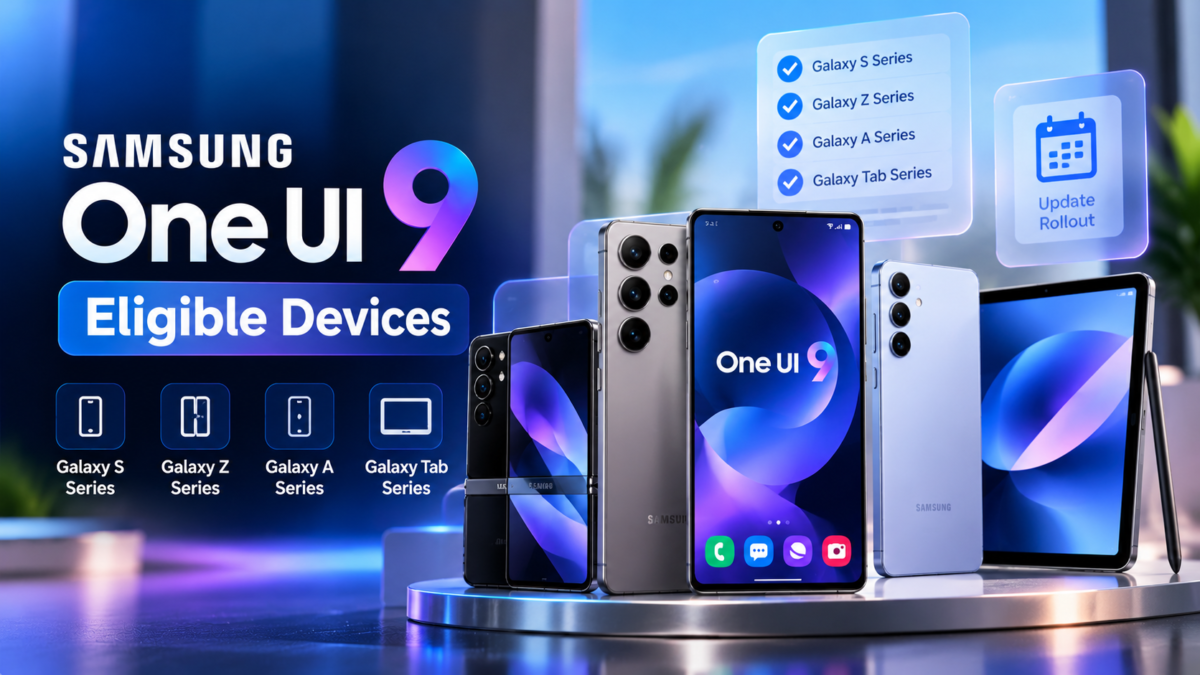
Samsung One UI 9 is based on Android 17 and introduces new Galaxy AI, personalization, productivity and security features. However, not every Samsung Galaxy smartphone or tablet will necessarily receive the update.
Eligibility depends on Samsung’s software-support commitments, the specific model, regional firmware and carrier requirements. This guide explains the announced rollout, how to check your device and what to do if the update is not available.
Samsung One UI 9 Rollout: What Has Been Confirmed?
Samsung announced the One UI 9 beta for the Galaxy S26 series in May 2026. It later expanded beta testing to selected Galaxy S25 and Z series devices in supported markets.
Samsung’s official rollout expansion in September 2026 began with the Galaxy S26, S26+ and S26 Ultra, following the software’s debut on the Galaxy Z Fold8 Ultra, Galaxy Z Fold8 and Galaxy Z Flip8.
These are confirmed rollout milestones, not a complete list of every device that will receive the update.
Which Samsung Galaxy Devices May Get Samsung One UI 9?
Galaxy S Series
Samsung has officially announced One UI 9 for the Galaxy S26 series. The beta program was also expanded to selected Galaxy S25 family devices, including the S25, S25+, S25 Ultra and S25 FE.
The availability of the stable release should be checked separately for each model and region.
Galaxy Z Series
Samsung’s initial One UI 9 release included the Galaxy Z Fold8 Ultra, Z Fold8 and Z Flip8.
Samsung also announced beta expansion for the Galaxy Z Fold7 and Galaxy Z Flip7. A beta announcement alone should not be interpreted as proof that the stable update is available on every regional variant.
Galaxy A, M and F Series
Owners of Galaxy A, M and F series phones should check their model-specific support commitments and Samsung announcements.
Do not rely on an unofficial list that claims every phone in a series is eligible. Two models with similar names can have different support periods, hardware and regional firmware.
Galaxy Tablets
Some Galaxy tablets may receive Samsung One UI 9, but tablet eligibility and the rollout schedule are separate from phone availability.
Check Samsung’s official announcements and the Software Update section on your tablet.
How to Check Whether Your Samsung Phone Is Eligible
You can check for an available update directly on your device.
- Open Settings.
- Scroll down to Software update.
- Select Download and install.
- Wait while the device checks for available software.
- Follow the instructions if One UI 9 is offered.
If your phone is still receiving security patches or another software update, that does not necessarily mean One UI 9 is available yet.
You can also open Settings > About phone to find your exact model number. Use that model number when checking Samsung’s support information.
Why Has Your Samsung Phone Not Received Samsung One UI 9?
There are several possible reasons.
1. The Rollout Has Not Reached Your Region
Samsung generally distributes major updates in stages. Availability may differ by country, carrier and device variant.
2. Your Phone Is Not Eligible
A device may not qualify because of its software-support commitment or hardware limitations.
3. Carrier Approval Is Pending
Some carrier-branded models require additional testing or approval before receiving an update.
4. The Update Is Still Being Tested
A beta release and a stable public release are different software stages. Not every beta participant receives the stable version at the same time.
Should You Install the Samsung One UI 9 Beta?
Beta software is intended for testing and may contain bugs, performance issues or incomplete features. It may also affect applications that depend on specific system versions.
If you rely on your phone for work, banking or other essential tasks, the stable public release is generally the safer choice.
If a beta is available in your region and you decide to participate, read the programme’s terms and backup instructions first.
What to Do Before Updating
Before installing a major software update:
- Back up important photographs, messages and files.
- Charge your phone sufficiently.
- Use a stable Wi-Fi connection.
- Make sure enough storage is available.
- Read the update notes and known-issue information.
- Avoid interrupting the installation process.
Frequently Asked Questions
Is the Galaxy S25 eligible for Samsung One UI 9?
Samsung included selected Galaxy S25 models in its beta expansion. Check the stable-release availability for your exact model and region.
Will older Galaxy phones receive Samsung One UI 9?
Eligibility cannot be determined by age alone. Check the official support commitment for your specific device.
Why does my friend have the update but I do not?
The phones may have different models, regional firmware or carrier versions. Updates can also be distributed in stages.
Can I force the update to appear?
You can manually check Settings > Software update > Download and install. If Samsung has not released the update for your model and region, repeatedly checking will not make an unreleased update available.
Conclusion
Samsung One UI 9 is rolling out in stages, and the availability of the update varies across Galaxy devices. Confirmed launch and beta announcements provide useful guidance, but users should verify the stable release for their exact model.
For more information, read our complete Samsung One UI 9 guide and One UI 9 features article.
For the most accurate information, consult Samsung’s official newsroom and support pages. Do not install firmware intended for a different model or region.